
Signing up for an AI game maker is easy. You fill in a few details, land on a creation dashboard, and suddenly the idea of building something real feels achievable. That first experience is designed to be frictionless, and for most people, it genuinely is. But the moment you try to push past a quick prototype, the questions start piling up. How many credits did that last generation use? Is multiplayer included in this plan? What happens to your project if you decide not to upgrade?
Understanding how pricing actually works on AI-powered game creation platforms is not glamorous knowledge. It is, however, the kind of knowledge that saves significant time, money, and mid-project frustration. This article breaks down the credit model, what free tiers actually deliver, the costs that tend to surface unexpectedly, and what to look for before committing to any plan.
The economics of making games through AI platforms
Traditional game development sat its costs in software licenses, hired talent, and hardware. AI changed that considerably by automating large parts of the creation process. What it did not do is make everything free. It redistributed where the cost lives.
Most platforms built for making games with AI run on compute-intensive infrastructure. When you generate an asset, a background, a character behavior, or a full scene, the system processes that request using real server resources. Those resources cost the platform money, and credit systems are how that cost gets passed along to users.
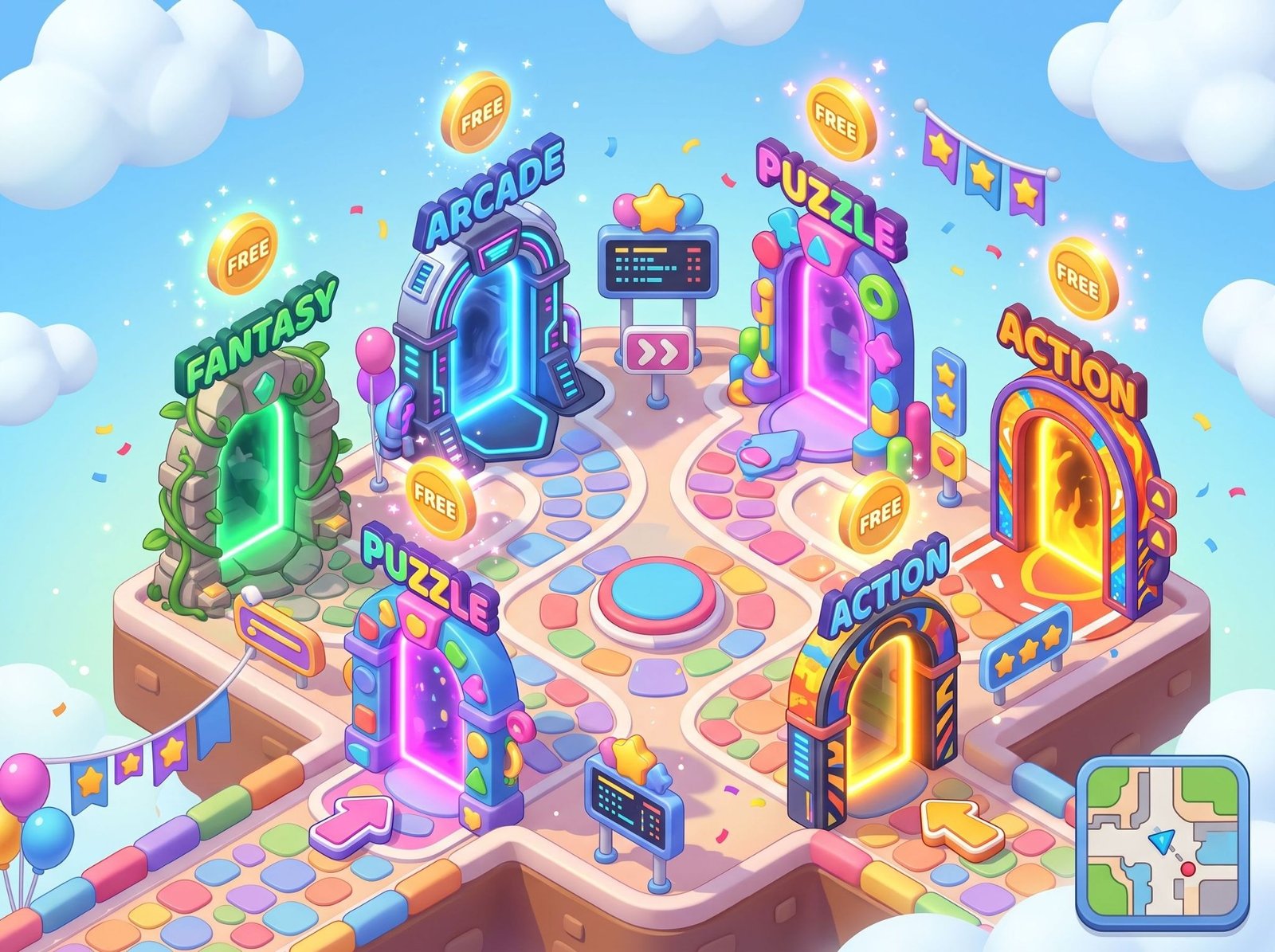
The critical thing to understand early is that “free” in this space almost always means “free to start,” not free indefinitely. A starter credit allocation lets you explore the tool and build something small, often enough for a weekend prototype or a game jam submission. That allocation does not replenish endlessly. Once it runs out, you are either upgrading, paying per generation, or stopping.
Knowing this before you open a creation dashboard saves you from building halfway into something serious and discovering the limits at the worst possible moment.
What free plans on a game builder actually cover
The specifics vary by platform, but certain patterns repeat consistently across the industry. A game builder’s free tier is built to demonstrate value, not to fully support a finished, publishable project. That framing is useful because it recalibrates expectations without dismissing free tiers entirely.
What most free plans typically include:
- A one-time or monthly credit allocation, usually sufficient for a small prototype
- Access to core creation and editing tools
- Templates for common game types that reduce initial generation needs
- Basic publishing via a shared platform link, often with platform branding attached
- Community forums, documentation, and self-serve help resources
What free plans commonly exclude:
- Rights to monetize or commercially publish the finished game
- Advanced asset generation with higher fidelity outputs or expanded style options
- Multiplayer or real-time backend features
- Export functionality for running the game outside the platform’s own infrastructure
- Priority rendering or faster generation queues
The gap between what a free tier includes and what a finished project actually requires is precisely where unexpected costs tend to emerge. Most creators hit that gap about halfway through building something they care about.
The hidden costs nobody talks about upfront
Pricing pages do a good job highlighting what a plan includes. They tend to be quieter about the extras that stack on top of a base subscription.
Storage is one of the more common surprises. Games with many generated assets, multiple scenes, or audio components can exceed a free or base-tier storage allocation faster than expected. Some platforms charge per gigabyte beyond their included limit, and the meter can move quickly on larger projects.
Watermarks are another thing to verify early. Several platforms apply visible platform branding to games built on free tiers. Removing that branding requires a paid upgrade, which matters if you are planning to share the game publicly or show it to anyone professionally.
Export restrictions catch a lot of creators off guard. On some platforms, the game you build lives entirely on their infrastructure. Downloading it as a standalone file, hosting it on your own site, or submitting it to a storefront requires a higher plan. You may build something genuinely good and then discover you cannot take it anywhere without paying first.
Project retention policies are rarely highlighted on the marketing page. Some platforms archive or delete projects on free accounts after a period of inactivity. If you built something six months ago and come back to it, it may no longer be there.
None of this is unreasonable from a business perspective. But it should be known before you start building, not discovered after you have already invested significant creative time.
A game built for two: Fake or Break
Fake or Break is a sharp, two-player heist game with a hide-and-seek structure at its core. One player takes the role of a thief who can transform into a random object scattered around the environment, blending in seamlessly while attempting to steal diamonds and move toward an exit undetected. The other player acts as the hunter, moving through the space and striking suspicious objects with a hammer, testing anything that seems out of place. What gives the game its replay value is the role-reversal mechanic: once a round ends, both players switch sides entirely. The thief becomes the hunter, and the hunter becomes the thief. That structural flip means both players must think from both angles simultaneously, and no match follows the same pattern twice. Holding still and trusting your disguise against an attentive opponent creates a tension that is surprisingly effective, and the quick session format keeps matches competitive without overstaying their welcome.
Testing a game maker online before you spend anything
The most reliable way to understand a platform’s actual pricing is to build something small within the free tier before spending a cent. No comparison chart teaches you as much as a few hours of real use will.
While building your test project, pay close attention to:
- How fast your credit allocation depletes during ordinary creation activity
- Which features trigger an upgrade prompt mid-build
- Whether projects saved on a free account are retained or deleted after inactivity
- How clearly the platform communicates when credits are running low
- What the actual upgrade path looks like and whether plans are monthly, annual, or usage-based
- Whether there is a way to retrieve previously generated assets without regenerating them, since that can save credits significantly
A test project does not need to be elaborate. Even a couple of hours of exploration inside the free tier will show you how quickly you would exhaust your allocation on a real project and whether the platform’s paid options make sense for your needs.
What changes when you build a game beyond the prototype stage
Once you move past a quick demo and into something more serious, the question shifts from whether to pay to which plan actually fits your usage.
Monthly subscriptions tend to make sense for creators who build regularly. A predictable monthly fee gives you a generation budget you can plan around, and the per-unit cost of credits is usually lower inside a subscription than through one-off purchases. The main downside is that unused credits rarely roll over, so if you have an inactive month, that value disappears.
Usage-based or pay-as-you-go models suit occasional builders better. If you build two or three projects a year rather than working steadily, paying per generation avoids wasted spending during quiet periods. The risk is that large or complex projects can accumulate costs faster than expected, especially when you are iterating heavily on AI-generated content.
Annual plans, where available, usually reduce the per-month rate noticeably but require a longer commitment upfront. They make sense once you have confirmed through actual use that a platform meets your needs and that you will keep building on it consistently.
The right choice depends on how frequently you plan to create, how complex your projects tend to be, and whether you are building for personal use or trying to publish and monetize something.
Getting more out of every generation
One thing experienced creators figure out quickly is that how you use a platform matters as much as what plan you are on. Credit efficiency is a genuinely learnable skill, and it pays off regardless of your budget.
Plan before generating. The less defined your direction before you open the creation tool, the more iterations you will need to arrive at something usable. Spending time thinking through what you want before making a single request reduces rework significantly. Vague prompts lead to multiple regenerations, which burns through a credit allocation fast.
Start from templates rather than generating from scratch. Most platforms include base templates for common game types. Starting from one of these instead of building fully from a prompt typically uses fewer resources and gives you a cleaner starting point to customize.
Batch similar requests where the platform allows it. Some tools let you generate multiple variations in a single request rather than making separate calls for each one. If your platform supports this, it is worth learning how.
Save and export assets regularly during the build, not just at the end. Waiting until a project is polished to export anything means that if you hit a credit limit or a plan lapses, you have less to show for the work you completed.
Check whether the platform stores your generation history. Some tools let you retrieve previously generated assets without regenerating them entirely. If your platform has this feature, using it whenever possible can extend your allocation meaningfully.
What to verify before you make your own game on any platform
Before investing real creative time into a new project, a quick check of a few things can prevent significant frustration later. Pricing pages exist, but they are written to sell plans, not to surface the gotchas.
Before you start, confirm:
What is the monthly generation limit and what does one credit actually translate to in real usage? Ask in a community forum or search for practical examples if the pricing page does not make this clear.
Are commercial publishing rights included on the tier you are considering? If you plan to monetize the game, submit it to a storefront, or use it in any professional context, this matters from day one, not as an afterthought.
Can you export your project as a standalone file? Knowing whether you will own portable project files or whether your game lives exclusively on the platform changes the entire nature of your relationship with that tool.
What happens to your project if you do not renew or downgrade? Some platforms archive projects gracefully; others delete them after a grace period. The answer to this question tells you a lot about how much the platform values the work you do on it.
Is team access or collaboration supported, and at what plan level? If you are building with a partner or a small group, shared project access may require upgrading to a tier you had not planned for.
Conclusion
Pricing across the AI game creation space is rarely as simple as it looks from a free signup page. Credits run out, features get gated behind upgrades, and the costs that matter most often appear only once you are already committed to a project. Most of this is predictable, though, if you do the work upfront.
For anyone approaching a no-code game maker for the first time, the free tier is a genuinely useful starting point, but it is better treated as an evaluation window than a long-term building environment. And for anyone ready to create a game seriously, understanding a platform’s pricing model in depth matters just as much as understanding its creative tools. The creators who get the most out of these platforms are not necessarily the ones on the most expensive plans. They are the ones who build with intention from the very first generation.