
Somebody sends a video. It arrives soft, blocky and noticeably smaller than whatever they were looking at when they pressed send.
This is so routine that most people have stopped noticing it. A clip of a garden, a delivery, a repair, a grandchild taking the first few steps, and what lands is visibly a copy of a copy. The sender is baffled, because on their phone it looks perfect.
They are right. The file they have is fine. The file you received is a different file, re-encoded on the way, and the difference between those two things is the whole subject of this article.
An AI Video Upscaler recovering more usable detail through Higgsfield recovers a useful amount of what that process removes, though there is a free step worth trying first that almost nobody does.
Why does video arrive worse than it was sent?
Because the app rebuilt it before sending, and it did so with completely different priorities from yours.
Messaging platforms carry an enormous volume of media and have to move it quickly over connections of every quality, including bad ones. Sending the original file would be slower, more expensive and would fail more often.
So the app re-encodes. It reduces the resolution, cuts the data rate substantially, frequently reduces the frame rate, and compresses the audio separately. The result is a file a fraction of the original size that plays instantly on a phone screen, which is exactly what the platform was optimising for.
The important part is that this is a deliberate design decision rather than a fault. For the intended purpose, watching a short clip on a phone once, it works fine. The problem only appears when somebody wants to keep the video, view it larger, or use it for something.
What actually happens to the file?
Four things, and they produce recognisable symptoms.
Resolution drops. What was recorded at a high resolution arrives considerably smaller, which is why it looks soft the moment it is viewed on anything bigger than a phone.
The data rate is cut hard. This is where most of the visible damage comes from. Fine detail is discarded permanently, and the areas with the most detail suffer most, which is why foliage, water, hair, fabric and crowds look worst.
Motion suffers disproportionately. Compression works by describing what changed between frames, so anything moving quickly gets the least data. A still shot of a room survives reasonably. A pan across a garden does not.
And the audio is compressed separately, usually more aggressively than people expect, which is why a recording of somebody speaking arrives thin and slightly hollow.
The visible symptoms are blocking, where the image breaks into visible squares in busy areas, banding across what should be a smooth sky, and a smeared quality on anything that moves.
Why does forwarding make it worse each time?
Because each hop re-encodes an already re-encoded file.
Compression is lossy, which means information is discarded rather than stored more efficiently. Compressing a file that has already been compressed does not recover anything. It applies the same process again to a version that has already lost detail, and discards more.
A clip forwarded through four people has been through that four times. By then the image has a distinctive quality that anybody who spends time in group chats recognises immediately, and it is why the same video looks noticeably worse in the third group it reaches than in the first.
This is also why asking the original sender is worth more than any AI Video Upscaler pass on a forwarded copy. One is a first generation file. The other is a copy of a copy of a copy.
What should you always try first?
Ask for the original. This costs nothing, takes a message, and beats any amount of processing.
A surprising number of people have never been asked this and do not realise the version they sent was not the version they had. Most are happy to send it again properly once they understand the distinction.
The original is worth having even if it takes a few days to arrange, because no recovery process can reconstruct information that was discarded. Starting from the better file produces a better result at every subsequent stage.
There are two common obstacles. Sometimes the phone has been replaced or the clip deleted, in which case the compressed copy is genuinely all that exists. And sometimes the sender does not know how to send video without compression, which is the next section.
An AI Video Upscaler is the answer when the original is gone. It is not the answer when somebody simply has not been asked.
How do you send video without it being compressed?
Three routes, all straightforward, and worth passing on to whoever is sending you things.
Send it as a file or document attachment rather than as a video, which removes the need for an AI Video Upscaler entirely. Most messaging apps treat these differently, and a file attachment is generally transmitted as it is rather than re-encoded. This is the single most useful thing most people do not know.
Use a cloud link. Upload to a storage service and share the link. The recipient downloads the actual file, and this is the most reliable method for anything large or important.
Use email for short clips, which does not re-encode, although attachment size limits apply.
Anything genuinely important should go by cloud link, which is worth saying explicitly to family members sending material that will matter later.
What can an AI Video Upscaler recover?
A useful amount, and the results are better on this kind of damage than on most.
Compression artefacts are exactly what these tools handle best. Blocking and banding are systematic and predictable, produced by a known process applied in a consistent way, and an AI Video Upscaler trained on large volumes of compressed and uncompressed pairs reconstructs them far more convincingly than it handles random damage.
Resolution recovery from an AI Video Upscaler brings a clip back to something that holds up on a television or a laptop rather than only on a phone.
Detail reconstruction in the areas that suffered most, meaning textures, edges and anything fine.
Motion smoothing from an AI Video Upscaler where the frame rate was reduced on the way.
And consistency across several clips from the same source, which matters when a whole group chat’s worth of material is being rescued at once.
What it will not do is recreate something that was never in the frame. The original composition, focus and framing are fixed. This recovers quality rather than content.
Which situations does this come up in?
More often than people realise once they start noticing.
Family video sent from another country, which is the most common and the most emotionally expensive. Children growing up, milestones, an elderly relative talking, all arriving through the worst possible pipe.
Footage of work in progress, where a contractor sends a clip of a site, a roof or a repair and it arrives too soft to show anything useful.
Clips of items being bought or sold privately, where somebody wants to see the condition of something before committing.
Event footage shared in groups, where twenty people filmed the same occasion and everything circulated through messaging.
And documentation of a delivery or a problem, where a compressed clip is the only record that exists of how something arrived.
The pattern across all of them is that the moment cannot be re-filmed, which is the only situation where processing a degraded file is worth the effort.
What should not be relied on afterwards?
One thing, and it is worth stating plainly.
Processed video is not an accurate record. An AI Video Upscaler reconstructs plausible detail based on what similar footage usually looks like. That produces something that looks considerably better and is not the same as recovering what was actually there.
For watching, keeping and sharing, that distinction does not matter. For anything where the content might be examined, including an insurance claim, a dispute with a supplier, a warranty question or anything that might end up in front of a third party, the original compressed file is the record and the processed version is an interpretation.
Keep both. Store the file exactly as received, unprocessed, alongside whatever you produce from it. That costs nothing and it means the evidence still exists if it is ever needed.
What about older clips already sitting in a chat history?
Worth a look, because most people have years of this material and have never thought of it as recoverable.
A messaging history going back several years contains video from occasions nobody filmed properly anywhere else. Small moments, ordinary days, people who are no longer around. None of it was archived deliberately because none of it felt like archive material at the time.
That material is doubly degraded. It was compressed on send, and older clips were compressed under harsher settings than current ones, since the platforms have improved their encoding over time. A clip from six years ago is frequently the worst quality file anybody owns of something that cannot be recovered any other way.
It is also the strongest case for processing, precisely because the original is definitively gone. Nobody still has the source file from a phone they replaced four handsets ago.
The practical approach is to export the media from the chat rather than saving clips one at a time, which most messaging apps support. That produces a folder, and a folder is what an AI Video Upscaler should be pointed at rather than individual files.
Higgsfield handling the set together is what makes this realistic rather than a project nobody starts. Several years of material processed in one pass, with the originals kept separately, turns a chat history into something that can actually be watched.
How does Higgsfield handle a batch of clips?
Higgsfield is an AI creative suite, which here means the processing, the trimming and the export happen in one browser tab rather than requiring software installed on whichever device the clips ended up on.
Batch handling is the part that matters most, because this problem rarely arrives as one file and an AI Video Upscaler should be pointed at all of them together. A group chat produces dozens, and processing them together with consistent settings is the difference between finishing and abandoning it after three.
Consistency across a set matters when clips came from several senders through several routes and therefore arrived with different degrees of damage. Bringing them to a common standard is what allows them to be watched together.
Keeping the originals separate from the processed versions is the practical discipline this whole subject depends on, and having a workspace that does not overwrite the source is worth more here than anywhere else.
Format and size options cover the difference between something to keep and something to send onward, since sending a processed clip back through the same messaging app will simply compress it again.
And it runs in a browser, which for something most people will do once, on a laptop, in an evening, removes the question of what needs installing.
How would a first rescue go?
Half an hour, and the first step is the one people skip.
Ask the sender for the original, as a file attachment or a cloud link, and explain why. Wait a couple of days for an answer before doing anything else.
If the original arrives, you are finished. Nothing further is required.
If it does not, save the compressed file somewhere safe and untouched, then work from a copy.
Process that copy through an AI Video Upscaler, and look at the result at the size you actually intend to watch it.
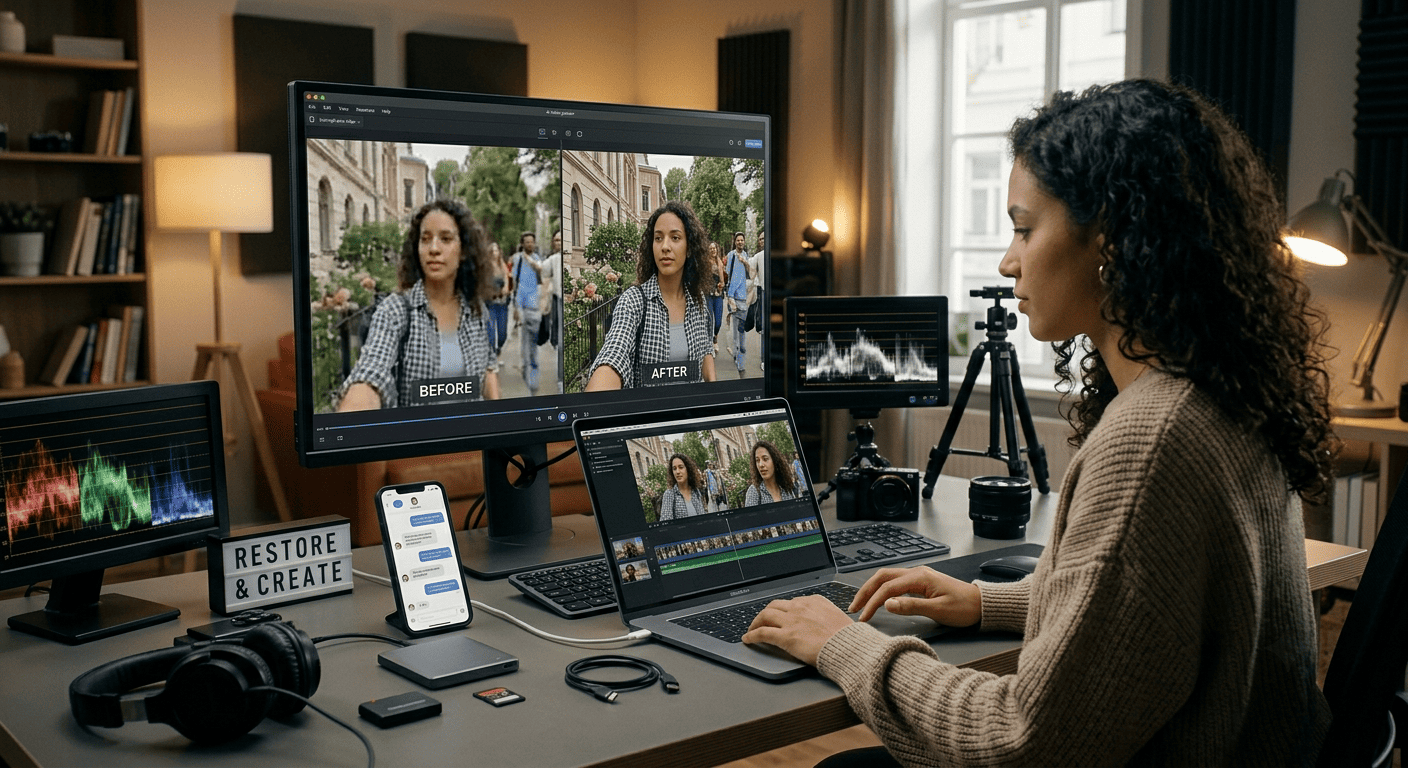
Compare the AI Video Upscaler result against the original side by side rather than in isolation, because the improvement is easier to judge that way and occasionally the original is better than memory suggested.
Then keep both files, and if the video matters, put the good version somewhere that is not a phone.
Conclusion
The video that arrived is not the video that was sent, and the difference happened in transit for reasons that make sense for the platform and not for you.
Ask for the original first, because that beats everything else and costs a message. When the original is genuinely gone, an AI Video Upscaler recovers a good deal of what compression removed, and Higgsfield processes a whole group chat’s worth together rather than one file at a time.
Then keep the file as it arrived, unprocessed, somewhere safe. The impr